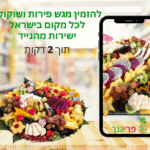
במחלות, בתאונות וברגעים הקשים בחיים אנחנו נעזרים בצוותים הרפואיים שעושים ימים כלילות כדי להבטיח את שלומנו. אנשים שמסיימים אשפוז ארוך או שעברו אירוע בריאותי משמעותי רוצים באופן טבעי להודות לצוות שטיפל בהם, אחת הדרכים לעשות זאת היא באמצעות משלוח מתנה לרופא או לאחות או לכל הצוות הרפואי גם יחד. כיצד עושים זאת ומה חובה לדעת לפני? הכנו עבורך מדריך מלא.
האם מקובל לתת מתנה לצוות הרפואי כאות להוקרת תודה?
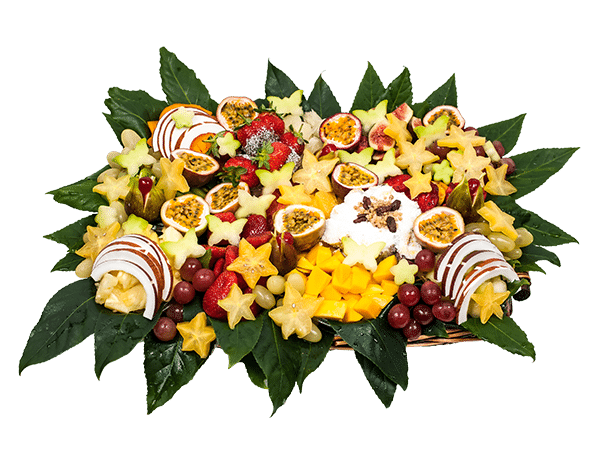
אנשים רבים מתלבטים בשאלה האם מקובל לתת מתנה לצוות רפואי והתשובה לכך טמונה בכל מקרה לגופו. אם אדם מגיע לטיפול שגרתי והוא נהנה מהשירות הטוב של הצוות הרפואי, הדבר אמנם נחמד אך הוא מובן מאליו, הצוות הרפואי עושה את עבודתו. עם זאת, ישנם מקרים רפואיים ייחודיים שבעקבותיהם אנשים מרגישים צורך עז להוקיר תודה לצוות הרפואי שטיפל בהם. אלה יכולים להיות מקרים בהם אדם היה בין חיים ומוות, זה יכול להיות זמן ממושך שאדם שהה במחלקה וקיבל טיפול מסור ואהוב מהצוות, וזו יכולה להיות הצלחה בניתוח מורכב או בטיפול פוריות ארוך שנים. בסוף, בכל מקרה לגופו אדם מחליט האם מתנה היא הדרך להוקיר תודה, ובדרך כלל מקובל לתת מתנה שימושית וטעימה ולא אישית ומכאן משלוח מגש פירות לצוות בית חולים מדויק וקולע למטרה.
יתרונות מגש הפירות לצוות הרפואי
יש יתרונות רבים למתן מגש פירות בתור משלוח מתנה לצוות רפואי וננסה למנות את כולם. קודם כל מדובר במשלוח שנוח מאוד לבצעו, בין אם באופן אישי ובין אם במשלוח מרחוק למחלקה בבית החולים או בקופת החולים. המשלוח מגיע קריר, טרי וניתן להוסיף על פי כמות האנשים בצוות הרפואי את כמות הפירות הרצויה. עוד יתרון ברור הוא שרוב האנשים אוהבים פירות, ובדרך כלל כל אדם יאהב לפחות סוג אחד של פרי. במגש הפירות ניתן לשלב סוגים שונים של פירות ובכך לקלוע לטעמם של כל חברי הצוות. כמו כן, מגש הפירות מרענן, מלא באנרגיה ובריא במיוחד בהשוואה לקינוחים אחרים, והוא גם מתאים לצמחונים, לטבעונים ולאנשים ששומרים על המשקל.
אילו פירות יש במגשים?
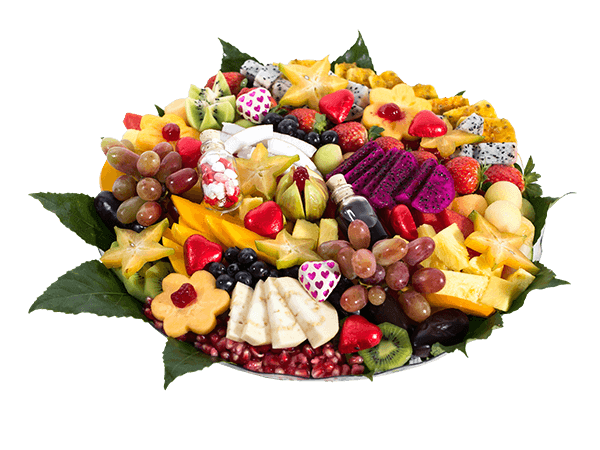
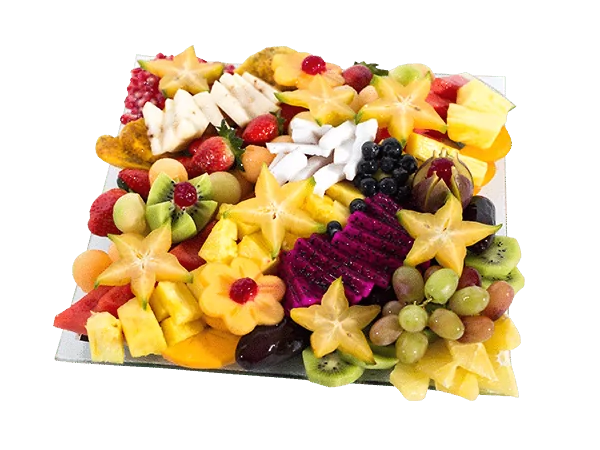
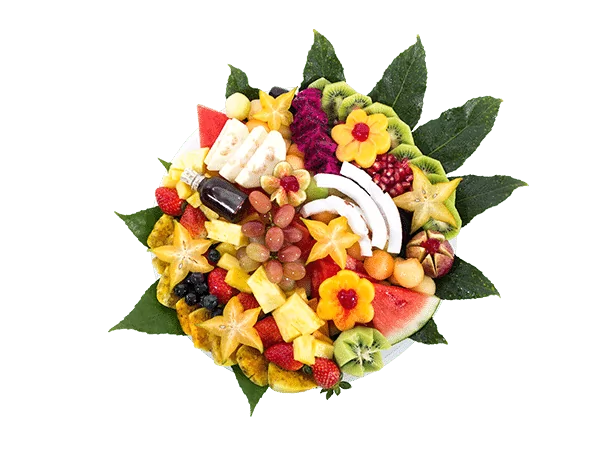
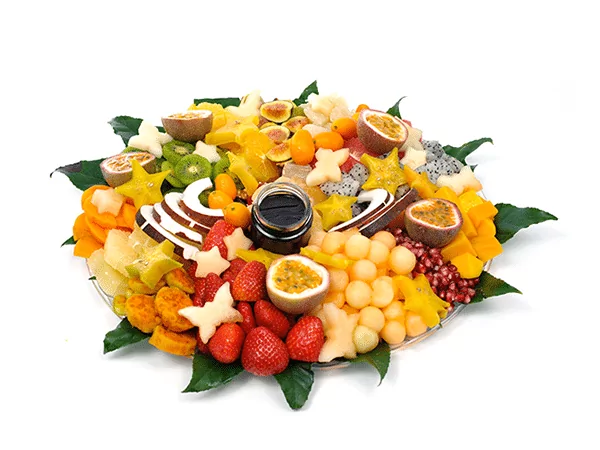
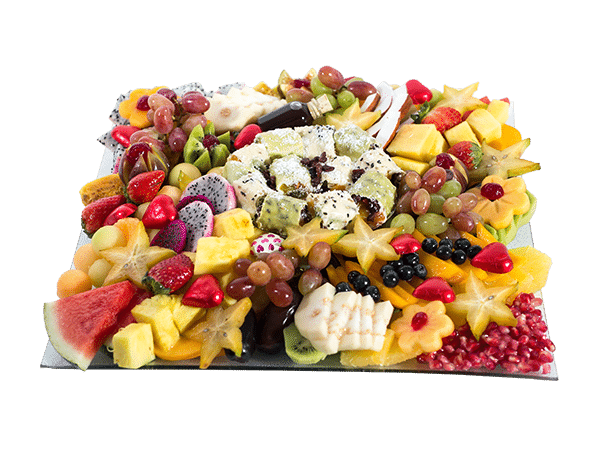
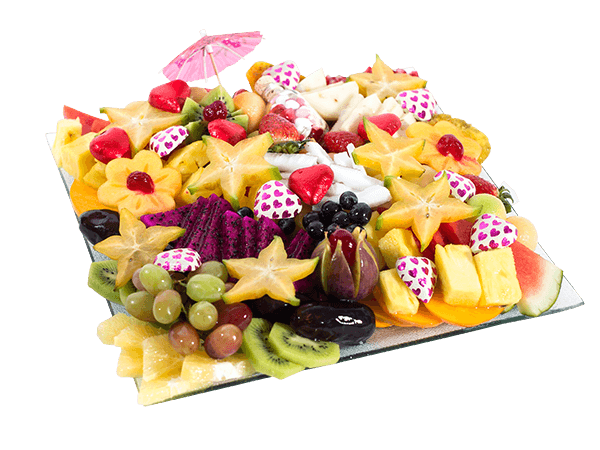
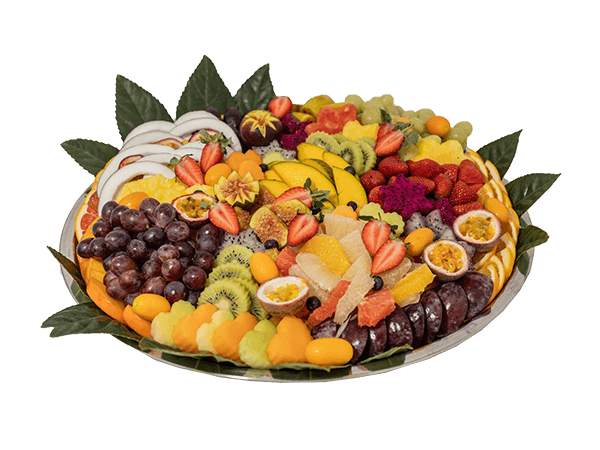
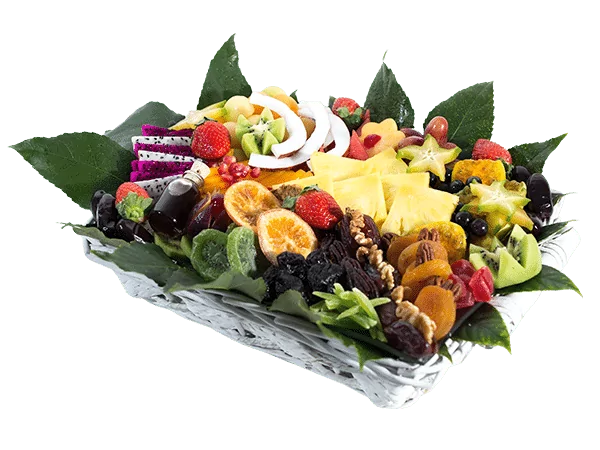
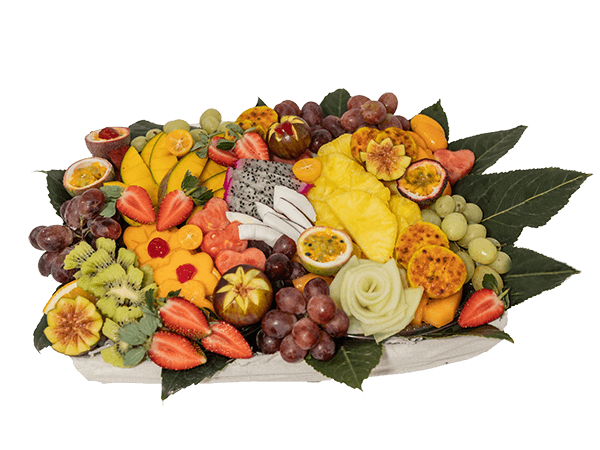
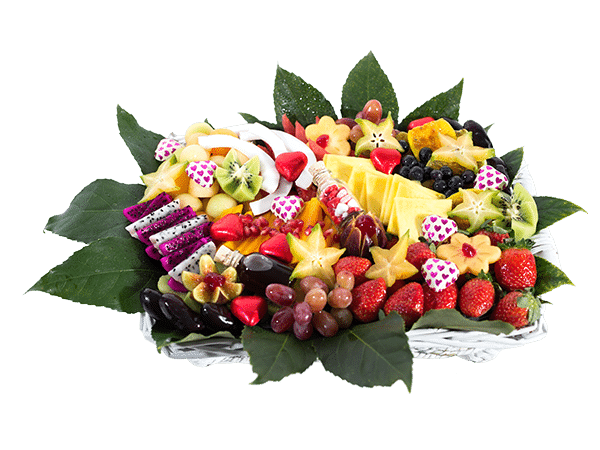
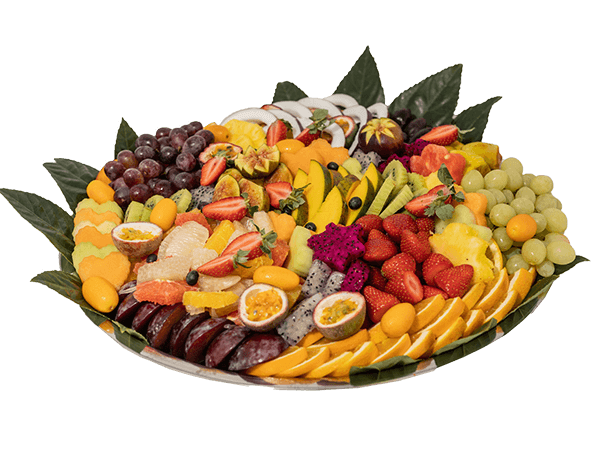
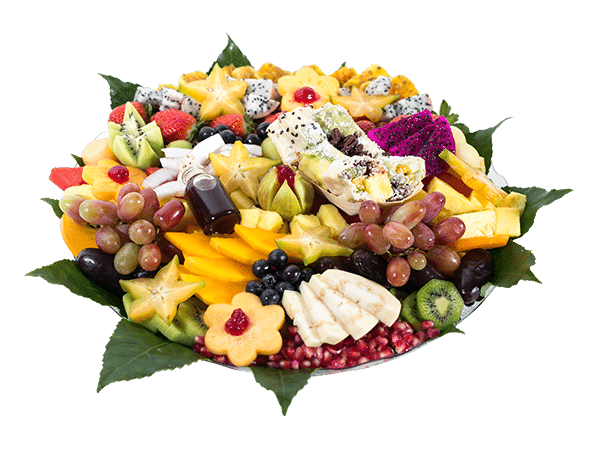
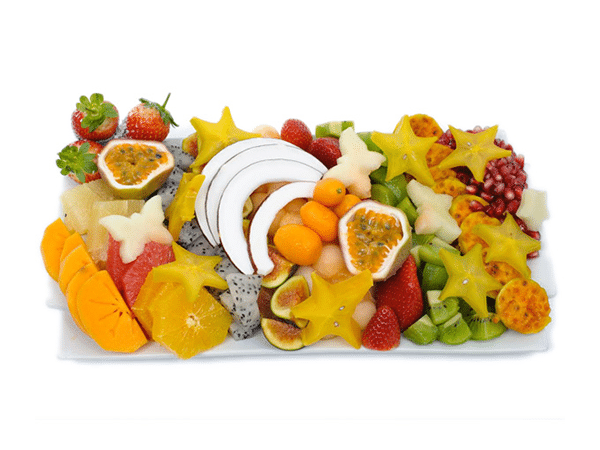
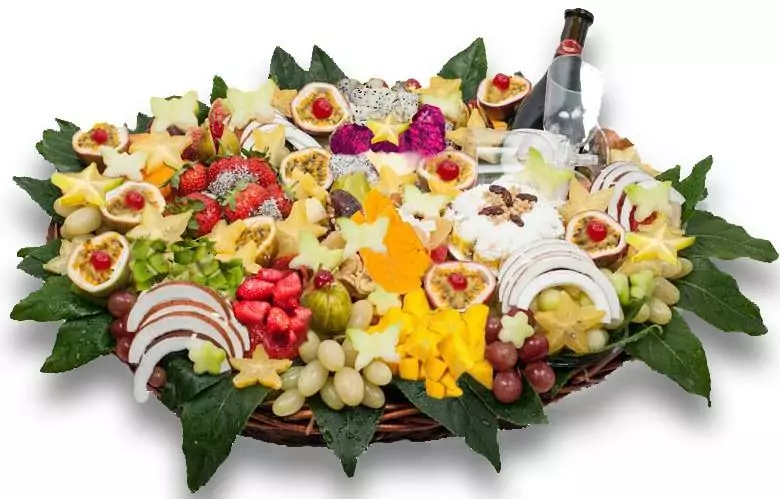
כאשר מבצעים משלוח מתנה לאחות או לרופאה או לצוות הרפואי כולו כדאי לגוון עד כמה שניתן בפירות כדי לקלוע לטעם של כולם. על פי עונות השנה, מקובל להוסיף למגשי הקיץ אבטיח, מלון וענבים שאהובים על כולם, ולמגשי החורף תותים ופירות הדר. כמו כן, בכל העונות כדאי לשלב אננס ומנגו שנחשבים לפירות אהובים במיוחד, וגם ניתן לגוון בפירות מיוחדים כמו קוקוס, פסיפלורה, קיווי ועוד.
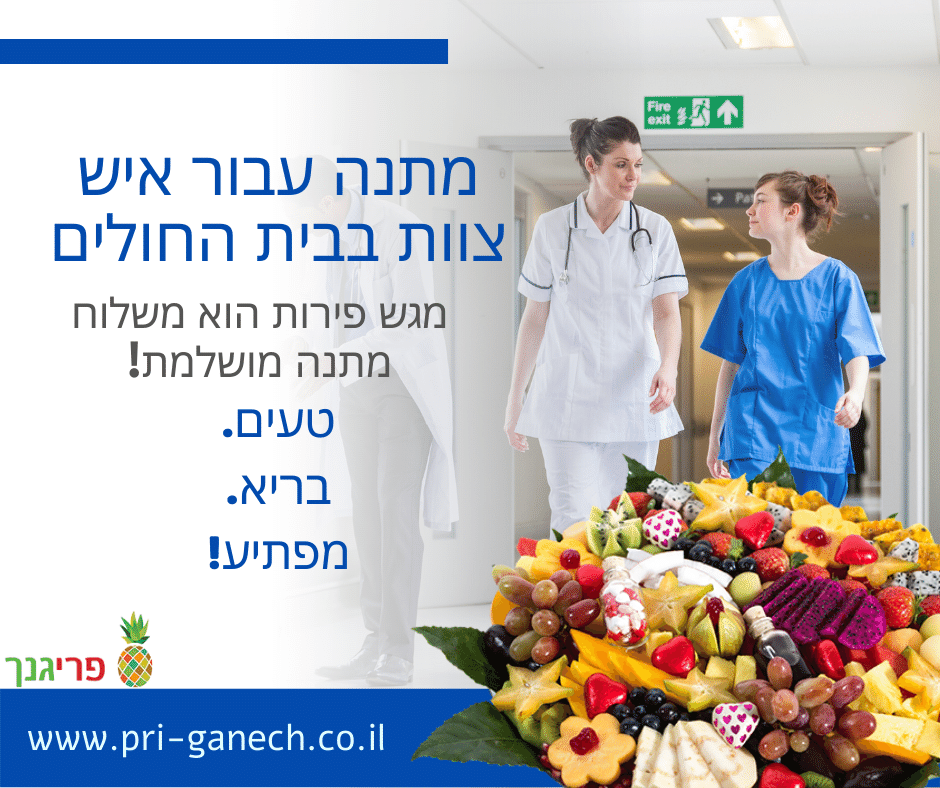
מתנה עבור איש צוות בבית החולים – מגש פירות הוא משלוח מתנה מושלמת!
סוגי מגשי פירות
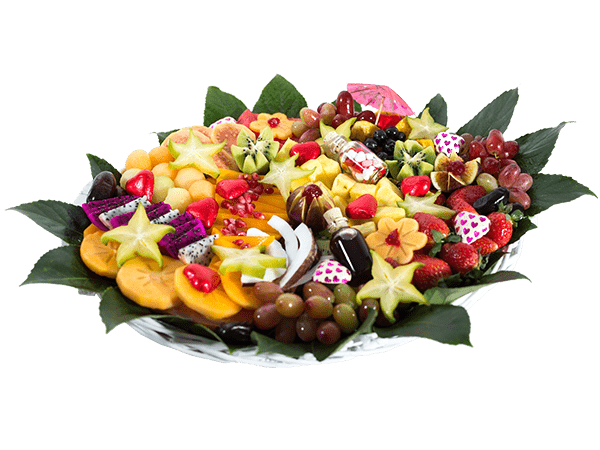
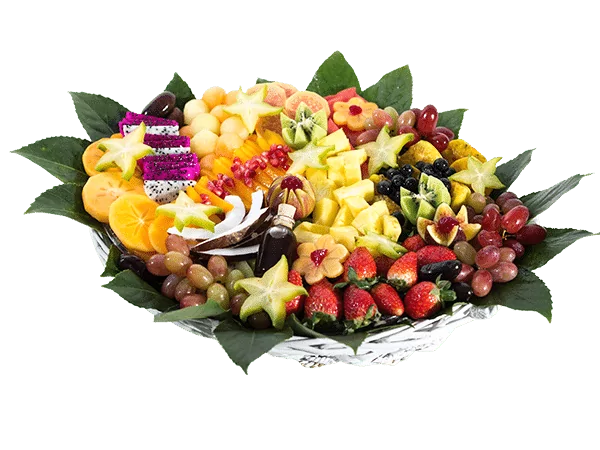
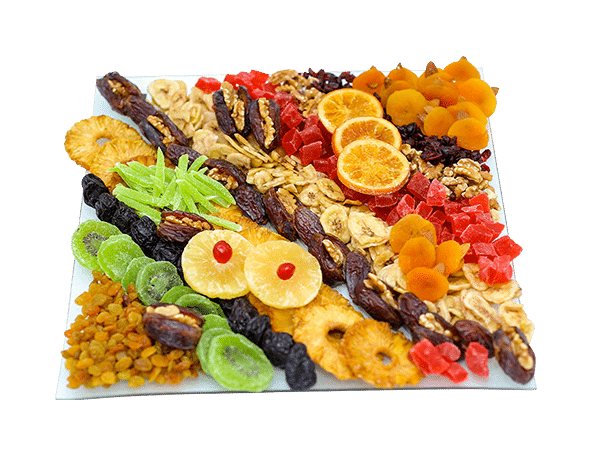
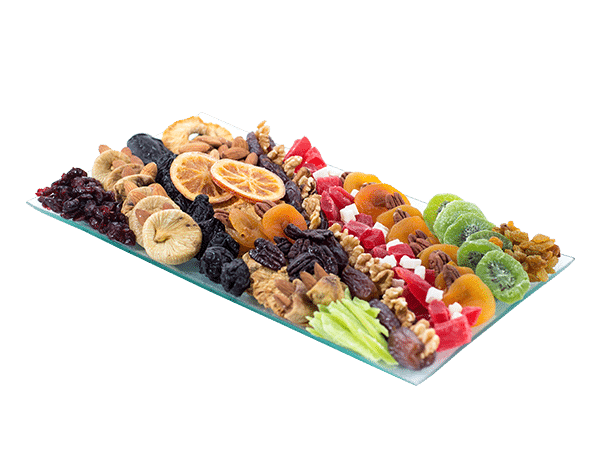
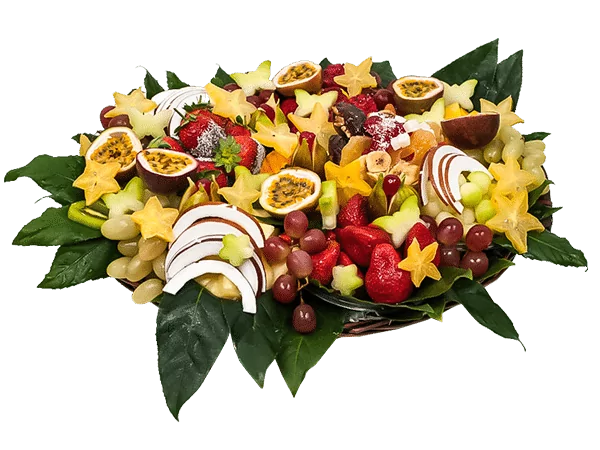
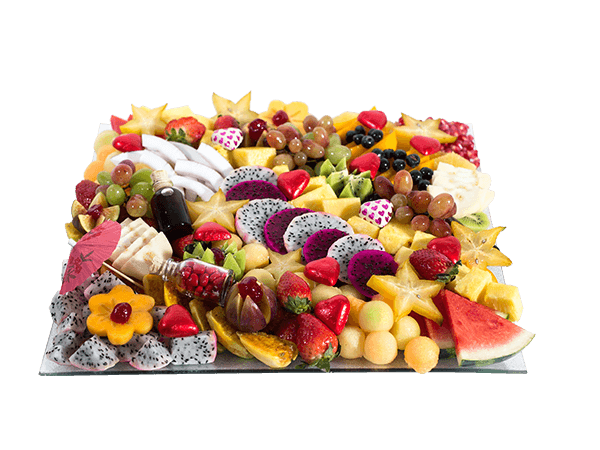
ישנם לא מעט סוגים של מגשי פירות אותם ניתן לתת בתור משלוח מתנה לרופאה ולרופא, לצוות הרפואי ולאחים ולאחיות. הסוג הראשון הוא אולי המוכר מכולם והוא צלחת הפירות או מגש הפירות ובו הפירות מסודרים באופן מדויק על פי צבעים וצורות. המגשים יכולים להיות עגולים, אליפסה, מרובעים או מלבניים ובגדלים שונים בהתאמה לכמות הסועדים. שלושה סוגים נוספים של משלוחי הפירות הם:
זר פירות – במקרה הזה במקום לשלוח זר פרחים, שולחים זר של פירות מתוקים וחתוכים. הזר טעים, מעוצב ומתאים במיוחד למעמד בו נותנים מתנה כהוקרת תודה לצוות הרפואי.
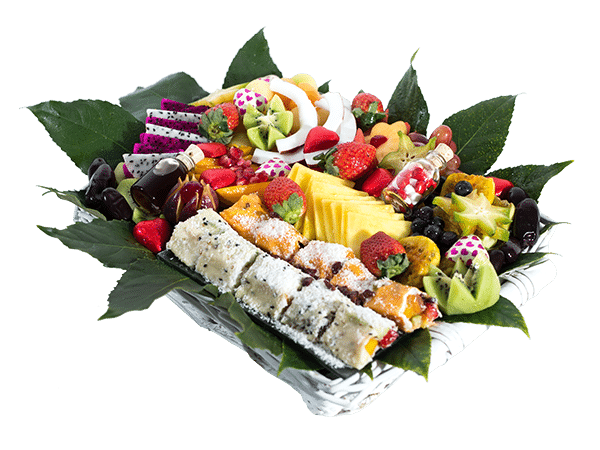
סושי פירות – במגשים ייחודיים אלה הפירות חתוכים ומסודרים בצורת סושי. המגש מרשים במיוחד ומתאים מאוד כאשר בצוות יש נשים הריוניות. כמו כן, ניתן לשלב בו גם סושי שוקולד שהופך את המגש למוצלח במיוחד.
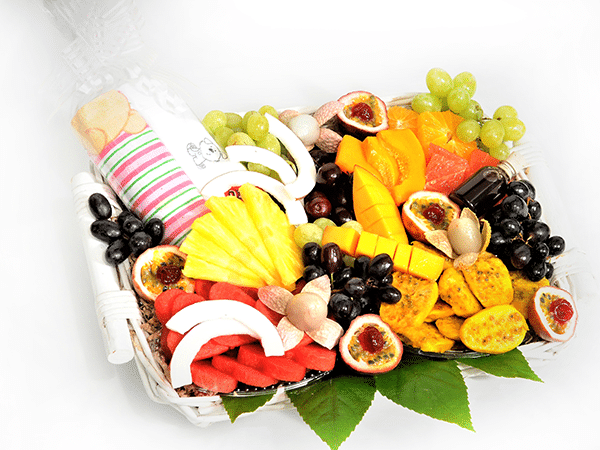
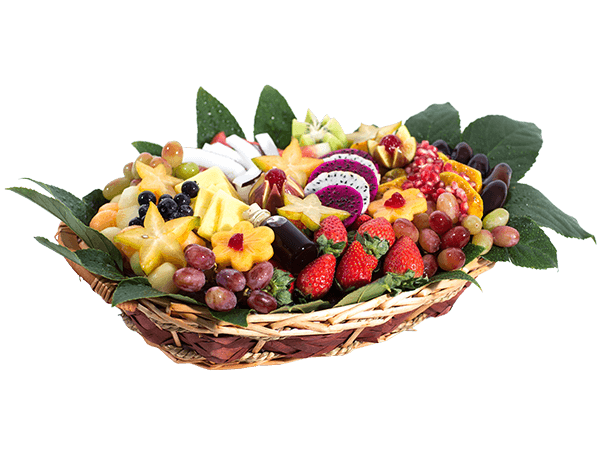
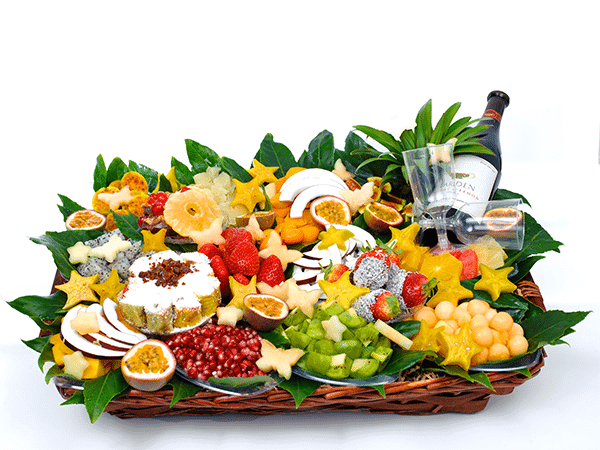
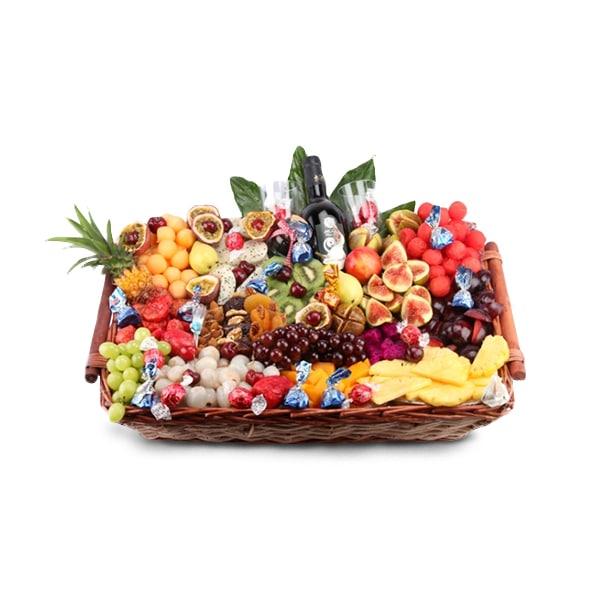
סלסלת פירות – אם מדובר על צוות רב ניתן לתת במתנה סלסלת פירות חתוכים. הסלסלה היא מגש קעור בו מניחים בשפע. הפירות חתוכים ומסודרים באופן מופתי ומספיקים לסועדים רבים.
כיצד בוחרים את מגש הפירות?
בחירת המגש צריכה להתבצע על פי כמה שיקולים- כמה אנשי צוות יאכלו מהמגש, האם יש להם אפשרות לקרר את המגש במידה ולא יוכלו לאכול את כולו, והאם הוא אישי או קבוצתי. לאחר בחירת הפרמטרים האלה ניתן לבחור את המגש, וכמובן שניתן להביא מגש סמלי כקינוח מתוק ובריא שכל איש צוות רפואי ישמח לקבל.
מה ניתן להוסיף למגש הפירות לצוות הרפואי?
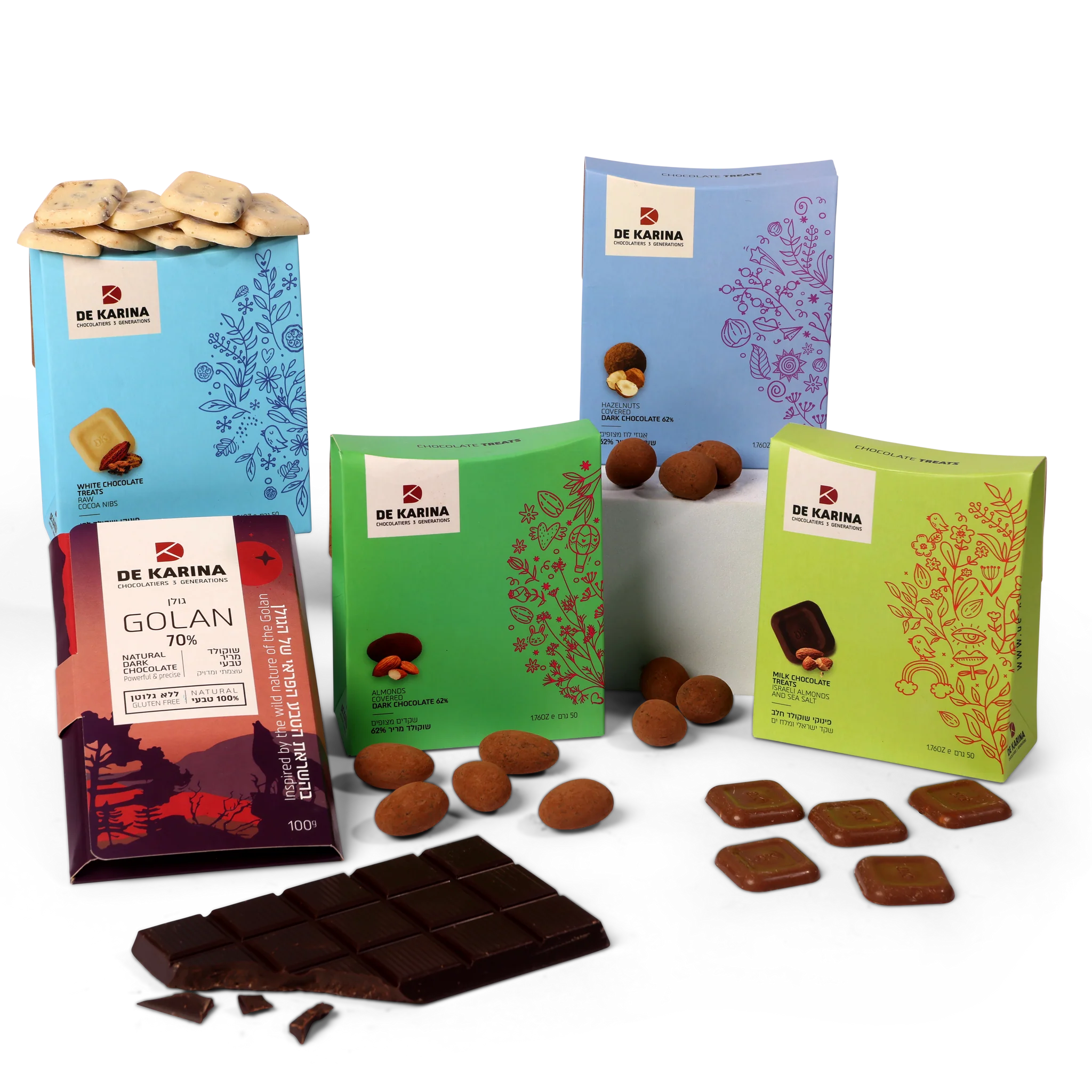
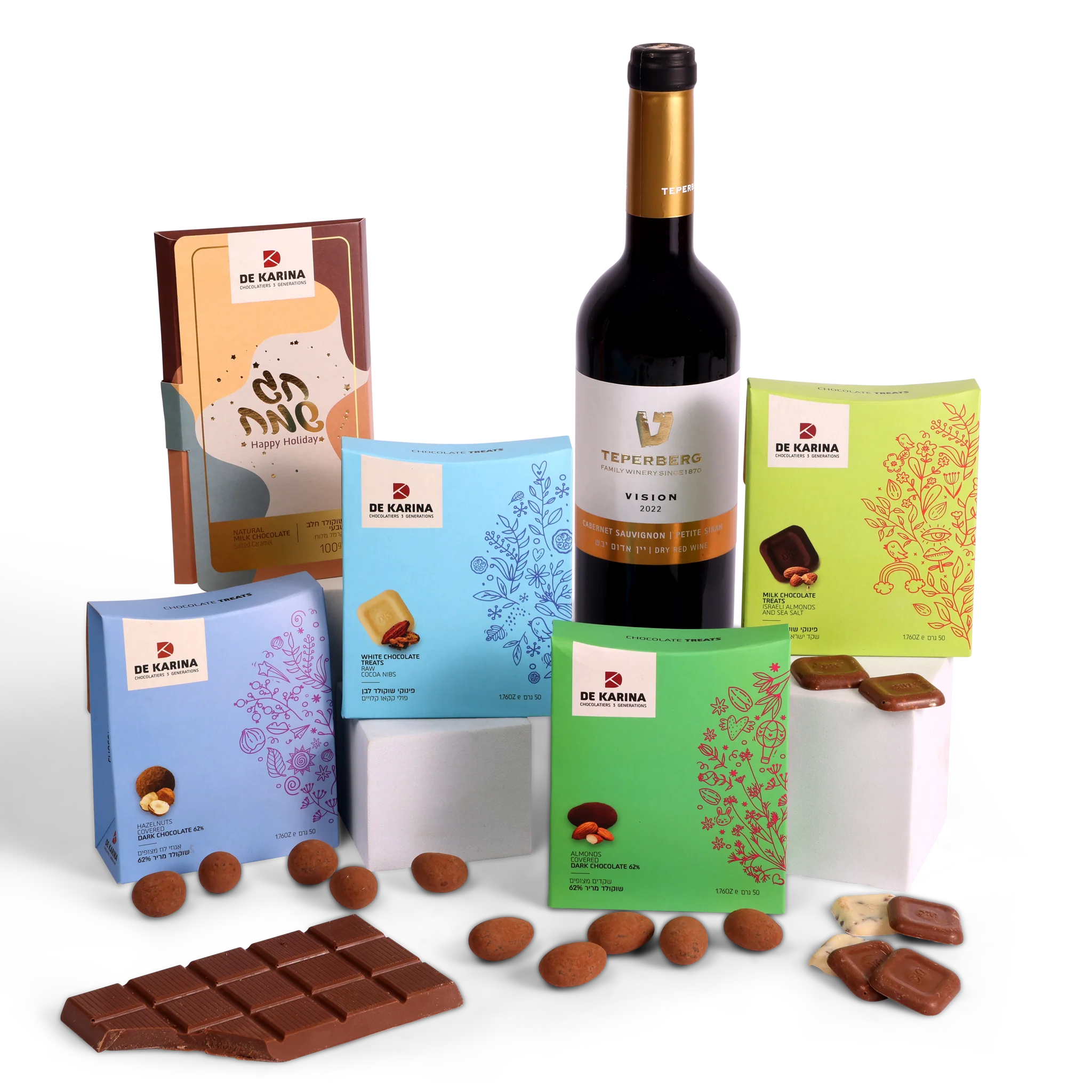
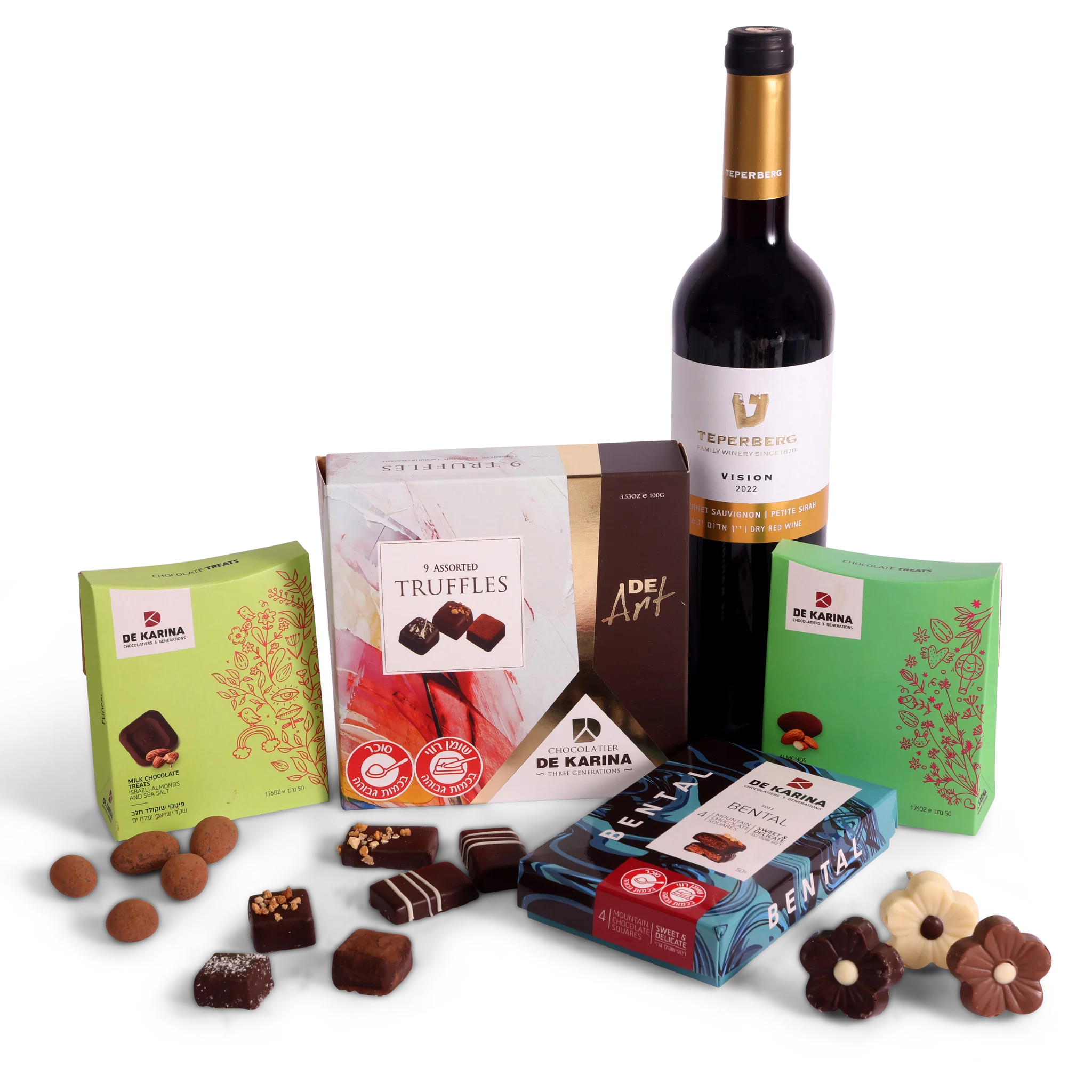
כאשר נותנים במתנה מגש פירות לרופא ולצוות הרפואי כדאי להוסיף להם ברכה יפה עם מילים חמות על הטיפול המסור והוקרת התודה. רבים בוחרים למסגר את הברכה, כאשר הם חותמים רק בשמות הפרטיים שלהם, ורבים הם הצוותים הרפואיים שבוחרים לעטר את קירות המחלקה בהם. בנוסף, ניתן לרכוש בקבוק יין טוב כדי להרים איתה כוסית, במיוחד אם מדובר על חג שמתקרב, וגם שוקולדים תמיד מתקבלים בברכה. בסוף, מה שהופך את המתנה למושלמת היא העובדה שמי שהצוות הרפואי טיפל בו טוב כל כך מוקיר על כך תודה, בין אם במילים ובין אם במתנות.
מגש במשלוח או להביא אותו באופן אישי?
רוצה להביא משלוח מתנה לאח שטיפל בך באופן מסור לכל אורך תקופת האשפוז? רוצה לומר תודה לצוות הרפואי שליווה אותך עד שהצלחת להיכנס להריון וללדת תינוק בריא? רבים מתלבטים כיצד יש לתת את המתנה אך אין דרך אחת מושלמת לעשות זאת. במידה וגרים רחוק ועוד נמצאים בתקופת החלמה אך חשוב לכם לומר תודה ולפנק את הצוות הרפואי, ניתן לבצע משלוח של מגש פירות עד המחלקה עם ברכה חמה. במידה ומעוניינים להגיע באופן אישי עם מגש הפירות ועם ברכה ממוסגרת או מתנה נוספת, ניתן להזמין את המשלוח לבית וללכת אתו למחלקה.
לאיזה בית חולים אפשר לשלוח מגש פירות לצוות המחלקה? להלן מספר דוגמאות:
וכמובן זו הרשימה המקוצרת..יש לנו אופציה לשלוח לכל בית חולים ומרפאה בישראל מגש פירות טעים, בריא ומזין והכי חשוב מגש פירות שהוא מתנה מקורית של הוקרת תודה לצוות הרפואי!
מה עוד כדאי לדעת?
בין אם רוצים לתת מגש פירות לרופאה או סלסלת פירות לצוות כולו, יש כמה דברים שכדאי לדעת ולעמוד עליהם כאשר מבצעים את הבחירה. עסק ותיק ומוכר ידע לפעול ולתת את השירות המקצועי המצופה ממנו, למשל באתר אינטרנט גדול ובו תמונות להמחשה של המגשים במגוון רחב של צורות וגדלים. הוא יאפשר להוריד או להוסיף פירות מסוימים ויפרט על סוגי הפירות במגש, כמו גם על כמות הסועדים לו הוא מתאים. כמו כן, תהיה אשרות לבצע הזמנה אונליין בכל זמן ומקום, ומערך המשלוחים יהיה רחב ויאפשר משלוח מהיר ובקירור.
כמובן שהדבר החשוב ביותר הוא טריות הפירות וקבלת המגש כשהוא קריר, כיצד מוודאים זאת? דרך ביקורות על העסק ברחבי האינטרנט. ככלל, ככל שעסק ותיק יותר, כך הוא מציע שירות מקצועי, רחב ומהיר יותר.
נעים להכיר, אני יוגב. את “פרי גנך” הקמתי בשנת 2011 מתוך אהבה אמיתית לאסתטיקה ואירוח. כבר כמעט 20 שנה שאני חי ונושם את עולם הפירות – החל מהבחירה הקפדנית בשווקים ב-4 בבוקר ועד לעיצוב הסופי אצלכם על השולחן. עבורי, כל מגש הוא יצירה אישית. צברתי ניסיון של אלפי משלוחים לאירועים פרטיים ועסקיים, והמטרה שלי היא תמיד אחת: לייצר עבורכם את אפקט ה-WOW, תוך שמירה קנאית על היגיינה, טריות וסטנדרט שירות שלא רואים כל יום.
מצב זה מאפשר לאנשים עם אפילפסיה להשתמש באתר בבטחה על ידי ביטול הסיכון להתקפים הנובעים מהנפשות מהבהבות או מהבהבות ושילובי צבעים מסוכנים.
מצב לקוי ראייה
משפר את הוויזואליה של האתר
מצב זה מתאים את האתר לנוחיותם של משתמשים עם ליקויי ראייה כגון ראייה משפילה, ראיית מנהרה, קטרקט, גלאוקומה ועוד.
מצב מוגבלות קוגניטיבית
עוזר להתמקד בתוכן ספציפי
מצב זה מספק אפשרויות סיוע שונות כדי לעזור למשתמשים עם ליקויים קוגניטיביים כגון דיסלקציה, אוטיזם, CVA ואחרים, להתמקד במרכיבים החיוניים של האתר ביתר קלות.
ADHD ידידותי ל
מפחית הסחות דעת ומשפר את המיקוד
מצב זה מספק אפשרויות סיוע שונות כדי לעזור למשתמשים עם ליקויים קוגניטיביים כגון דיסלקציה, אוטיזם, CVA ואחרים, להתמקד במרכיבים החיוניים של האתר ביתר קלות.
מצב עיוורון
מאפשר שימוש באתר עם קורא המסך שלך
מצב זה מגדיר את האתר כך שיהיה תואם לקוראי מסך כגון JAWS, NVDA, VoiceOver ו-TalkBack. קורא מסך הוא תוכנה למשתמשים עיוורים המותקנת במחשב ובסמארטפון, ואתרי אינטרנט חייבים להיות תואמים לה..
התאמות טקסט והתוכן
גופן קריא
הדגש קישורים
הדגש כותרות
קנה מידה של תוכן
ברירת מחדל
גודל גופן
ברירת מחדל
ריווח אותיות
ברירת מחדל
גובה קו
ברירת מחדל
זכוכית מגדלת טקסט
ידידותית לדיסלקציה
מיושר לימין
מיושר למרכז
מיושר לשמאל
התאמות צבעים ותצוגה
ניגודיות כהה
ניגודיות אור
ניגודיות גבוה
רוויה גבוהה
רוויה נמוכה
מונוכרום
התאם את צבעי הטקסט
התאם את צבעי הכותרת
התאם את צבעי הרקע
התמצאות קלה
השתקת צלילים
הסתר תמונות
מקלדת וירטואלית
מדריך קריאה
עצור אנימציות
מסכת קריאה
הדגש את הרחף
הדגש פוקוס
סמן שחור גדול
סמן אור גדול
מקשי ניווט
Accessibility Statement
pri-ganech.co.il
April 16, 2026
Compliance status
We firmly believe that the internet should be available and accessible to anyone, and are committed to providing a website that is accessible to the widest possible audience, regardless of circumstance and ability.
To fulfill this, we aim to adhere as strictly as possible to the World Wide Web Consortium’s (W3C) Web Content Accessibility Guidelines 2.1 (WCAG 2.1) at the AA level. These guidelines explain how to make web content accessible to people with a wide array of disabilities. Complying with those guidelines helps us ensure that the website is accessible to all people: blind people, people with motor impairments, visual impairment, cognitive disabilities, and more.
This website utilizes various technologies that are meant to make it as accessible as possible at all times. We utilize an accessibility interface that allows persons with specific disabilities to adjust the website’s UI (user interface) and design it to their personal needs.
Additionally, the website utilizes an AI-based application that runs in the background and optimizes its accessibility level constantly. This application remediates the website’s HTML, adapts Its functionality and behavior for screen-readers used by the blind users, and for keyboard functions used by individuals with motor impairments.
If you’ve found a malfunction or have ideas for improvement, we’ll be happy to hear from you. You can reach out to the website’s operators by using the following email
Screen-reader and keyboard navigation
Our website implements the ARIA attributes (Accessible Rich Internet Applications) technique, alongside various different behavioral changes, to ensure blind users visiting with screen-readers are able to read, comprehend, and enjoy the website’s functions. As soon as a user with a screen-reader enters your site, they immediately receive a prompt to enter the Screen-Reader Profile so they can browse and operate your site effectively. Here’s how our website covers some of the most important screen-reader requirements, alongside console screenshots of code examples:
Screen-reader optimization: we run a background process that learns the website’s components from top to bottom, to ensure ongoing compliance even when updating the website. In this process, we provide screen-readers with meaningful data using the ARIA set of attributes. For example, we provide accurate form labels; descriptions for actionable icons (social media icons, search icons, cart icons, etc.); validation guidance for form inputs; element roles such as buttons, menus, modal dialogues (popups), and others. Additionally, the background process scans all of the website’s images and provides an accurate and meaningful image-object-recognition-based description as an ALT (alternate text) tag for images that are not described. It will also extract texts that are embedded within the image, using an OCR (optical character recognition) technology. To turn on screen-reader adjustments at any time, users need only to press the Alt+1 keyboard combination. Screen-reader users also get automatic announcements to turn the Screen-reader mode on as soon as they enter the website.
These adjustments are compatible with all popular screen readers, including JAWS and NVDA.
Keyboard navigation optimization: The background process also adjusts the website’s HTML, and adds various behaviors using JavaScript code to make the website operable by the keyboard. This includes the ability to navigate the website using the Tab and Shift+Tab keys, operate dropdowns with the arrow keys, close them with Esc, trigger buttons and links using the Enter key, navigate between radio and checkbox elements using the arrow keys, and fill them in with the Spacebar or Enter key.Additionally, keyboard users will find quick-navigation and content-skip menus, available at any time by clicking Alt+1, or as the first elements of the site while navigating with the keyboard. The background process also handles triggered popups by moving the keyboard focus towards them as soon as they appear, and not allow the focus drift outside of it.
Users can also use shortcuts such as “M” (menus), “H” (headings), “F” (forms), “B” (buttons), and “G” (graphics) to jump to specific elements.
Disability profiles supported in our website
Epilepsy Safe Mode: this profile enables people with epilepsy to use the website safely by eliminating the risk of seizures that result from flashing or blinking animations and risky color combinations.
Visually Impaired Mode: this mode adjusts the website for the convenience of users with visual impairments such as Degrading Eyesight, Tunnel Vision, Cataract, Glaucoma, and others.
Cognitive Disability Mode: this mode provides different assistive options to help users with cognitive impairments such as Dyslexia, Autism, CVA, and others, to focus on the essential elements of the website more easily.
ADHD Friendly Mode: this mode helps users with ADHD and Neurodevelopmental disorders to read, browse, and focus on the main website elements more easily while significantly reducing distractions.
Blindness Mode: this mode configures the website to be compatible with screen-readers such as JAWS, NVDA, VoiceOver, and TalkBack. A screen-reader is software for blind users that is installed on a computer and smartphone, and websites must be compatible with it.
Keyboard Navigation Profile (Motor-Impaired): this profile enables motor-impaired persons to operate the website using the keyboard Tab, Shift+Tab, and the Enter keys. Users can also use shortcuts such as “M” (menus), “H” (headings), “F” (forms), “B” (buttons), and “G” (graphics) to jump to specific elements.
Additional UI, design, and readability adjustments
Font adjustments – users, can increase and decrease its size, change its family (type), adjust the spacing, alignment, line height, and more.
Color adjustments – users can select various color contrast profiles such as light, dark, inverted, and monochrome. Additionally, users can swap color schemes of titles, texts, and backgrounds, with over 7 different coloring options.
Animations – epileptic users can stop all running animations with the click of a button. Animations controlled by the interface include videos, GIFs, and CSS flashing transitions.
Content highlighting – users can choose to emphasize important elements such as links and titles. They can also choose to highlight focused or hovered elements only.
Audio muting – users with hearing devices may experience headaches or other issues due to automatic audio playing. This option lets users mute the entire website instantly.
Cognitive disorders – we utilize a search engine that is linked to Wikipedia and Wiktionary, allowing people with cognitive disorders to decipher meanings of phrases, initials, slang, and others.
Additional functions – we provide users the option to change cursor color and size, use a printing mode, enable a virtual keyboard, and many other functions.
Browser and assistive technology compatibility
We aim to support the widest array of browsers and assistive technologies as possible, so our users can choose the best fitting tools for them, with as few limitations as possible. Therefore, we have worked very hard to be able to support all major systems that comprise over 95% of the user market share including Google Chrome, Mozilla Firefox, Apple Safari, Opera and Microsoft Edge, JAWS and NVDA (screen readers), both for Windows and for MAC users.
Notes, comments, and feedback
Despite our very best efforts to allow anybody to adjust the website to their needs, there may still be pages or sections that are not fully accessible, are in the process of becoming accessible, or are lacking an adequate technological solution to make them accessible. Still, we are continually improving our accessibility, adding, updating and improving its options and features, and developing and adopting new technologies. All this is meant to reach the optimal level of accessibility, following technological advancements. For any assistance, please reach out to